Hey, civil contractor or site engineer – ever spent hours manually typing up a BOQ, only to spot calculation errors at midnight before tender submission? Or worse, had your bid rejected because the format didn’t match PWD or CPWD standards? It’s a nightmare that’s cost many builders in Uttar Pradesh, Delhi NCR, and beyond precious contracts.
👉Download Civil Work Estimate & BOQ Template at ₹ 249 Only
That’s where a professional boq format for civil work in excel changes everything. This ready-to-use template automates quantities, rates, and totals, ensuring accuracy and tender-readiness. In this guide, we’ll break down what makes a standard civil work BOQ format Excel shine, share a real sample for a residential house, and show you how to get our battle-tested template from Construction Estimator India – all for just ₹99.
What is a Standard BOQ Format for Civil Work?
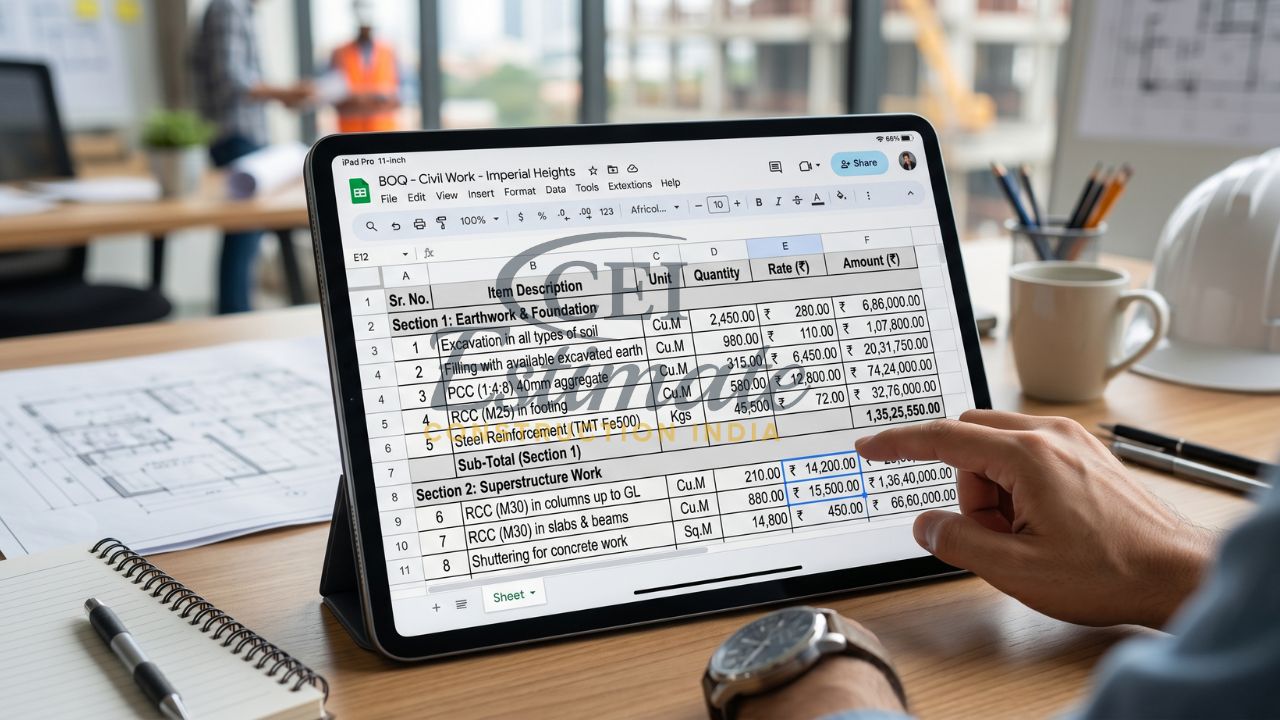
A Bill of Quantities (BOQ) is the backbone of any civil construction project. It’s a detailed document listing every item of work – from excavation to finishing – with quantities, units, rates, and amounts. Think of it as your project’s price tag, used for tendering, cost control, and payments.
In India, a standard civil work BOQ format Excel must align with government norms like DSR (District Schedule of Rates), PWD/CPWD schedules, or IS 1200 measurement standards. These ensure fair bidding, precise measurements (e.g., cubic meters for concrete, square meters for plastering), and compliance for public works.
Why Excel? It’s universal, formula-driven for auto-calculations (Quantity × Rate = Amount), and customizable. A poor BOQ leads to disputes or losses; a pro one wins tenders and keeps profits intact. For residential civil work BOQ format in Excel or commercial tenders, sticking to these standards is non-negotiable.
👉Download Civil Work Estimate & BOQ Template at ₹ 249 Only
Standard Columns in a Professional Civil Work BOQ Format in Excel
A top-notch boq format for civil work in excel is clean, scannable, and automated. Here’s the essential structure:
| Sl. No. | Description of Item | Unit | Quantity | Rate (₹) | Amount (₹) | Remarks |
Sl. No.: Sequential numbering for easy reference.- Description of Item: Detailed specs per IS 1200/DSR (e.g., “Excavation in ordinary soil up to 1.5m depth, including dressing”).
- Unit: Standard like Cum (cubic meter), Sqm (square meter), Kg (reinforcement), Nos (numbers).
- Quantity: Measured from drawings/site (auto-sum formulas for subtotals).
- Rate (₹): 2026 market/DSR rates (e.g., ₹450/Cum for M20 PCC).
- Amount (₹): Formula: =Quantity * Rate (auto-updates).
- Remarks: Notes like “As per drawing” or GST extras.
Best Practices:
- Use bold headers, freeze panes for scrolling.
- Color-code sections (e.g., blue for earthwork).
- Add grand total with GST (18% slab).
- Protect sheets to avoid accidental edits.
This setup makes your standard civil work bill of quantities format Excel tender-ready.
👉 Stop Manual BOQ Work – Upgrade to Smart Excel Estimation!
Real Sample BOQ Format for Civil Work in Excel (Residential House)
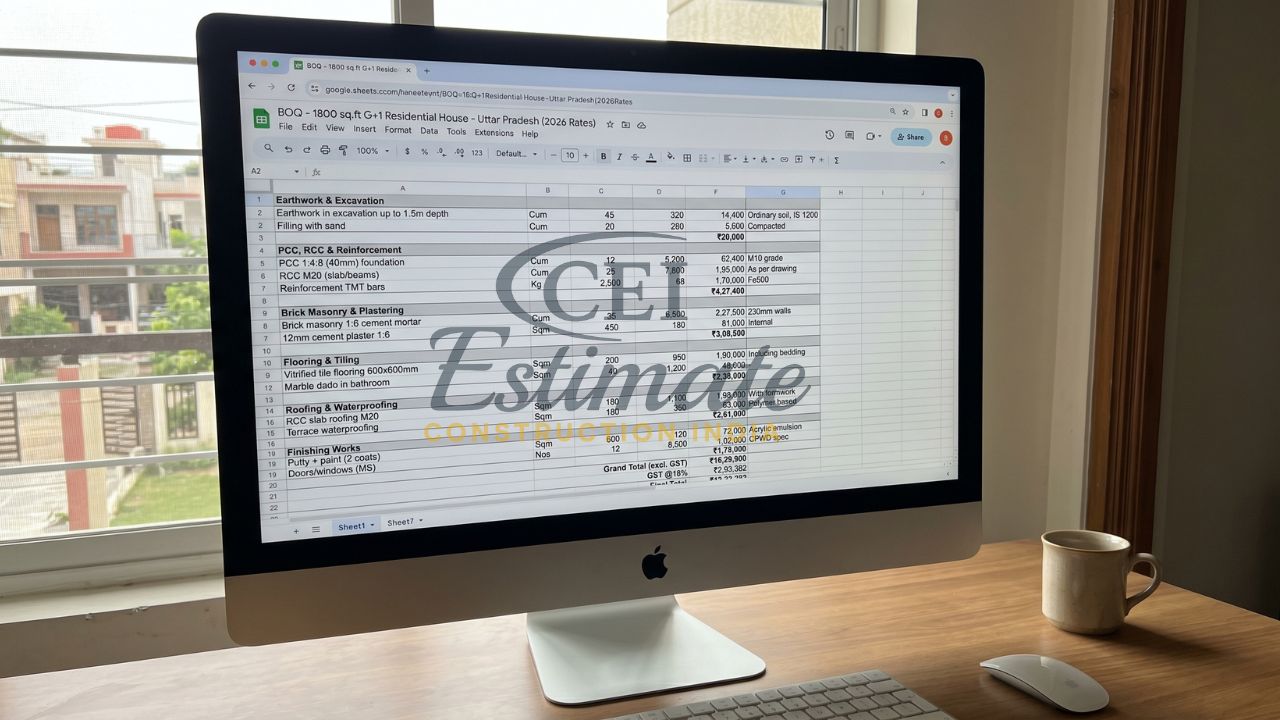
Let’s dive into a realistic sample for a 1800 sq.ft G+1 residential house in Uttar Pradesh (2026 rates, Agra/Delhi NCR avg.). This civil BOQ template Excel download covers key heads. Copy-paste into Excel for testing – totals auto-calculate.
Earthwork & Excavation
| Sl. No. | Description of Item | Unit | Quantity | Rate (₹) | Amount (₹) | Remarks |
| 1 | Earthwork in excavation up to 1.5m depth | Cum | 45 | 320 | 14,400 | Ordinary soil, IS 1200 |
| 2 | Filling with sand | Cum | 20 | 280 | 5,600 | Compacted |
Subtotal: ₹20,000
PCC, RCC & Reinforcement
| Sl. No. | Description of Item | Unit | Quantity | Rate (₹) | Amount (₹) | Remarks |
| 3 | PCC 1:4:8 (40mm) foundation | Cum | 12 | 5,200 | 62,400 | M10 grade |
| 4 | RCC M20 (slab/beams) | Cum | 25 | 7,800 | 1,95,000 | As per drawing |
| 5 | Reinforcement TMT bars | Kg | 2,500 | 68 | 1,70,000 | Fe500 |
Subtotal: ₹4,27,400
Brick Masonry & Plastering
| Sl. No. | Description of Item | Unit | Quantity | Rate (₹) | Amount (₹) | Remarks |
| 6 | Brick masonry 1:6 cement mortar | Cum | 35 | 6,500 | 2,27,500 | 230mm walls |
| 7 | 12mm cement plaster 1:6 | Sqm | 450 | 180 | 81,000 | Internal |
Subtotal: ₹3,08,500
Flooring & Tiling
| Sl. No. | Description of Item | Unit | Quantity | Rate (₹) | Amount (₹) | Remarks |
| 8 | Vitrified tile flooring 600x600mm | Sqm | 200 | 950 | 1,90,000 | Including bedding |
| 9 | Marble dado in bathroom | Sqm | 40 | 1,200 | 48,000 | – |
Subtotal: ₹2,38,000
Roofing & Waterproofing
| Sl. No. | Description of Item | Unit | Quantity | Rate (₹) | Amount (₹) | Remarks |
| 10 | RCC slab roofing M20 | Sqm | 180 | 1,100 | 1,98,000 | With formwork |
| 11 | Terrace waterproofing | Sqm | 180 | 350 | 63,000 | Polymer based |
Subtotal: ₹2,61,000
Finishing Works
| Sl. No. | Description of Item | Unit | Quantity | Rate (₹) | Amount (₹) | Remarks |
| 12 | Putty + paint (2 coats) | Sqm | 600 | 120 | 72,000 | Acrylic emulsion |
| 13 | Doors/windows (MS) | Nos | 12 | 8,500 | 1,02,000 | CPWD spec |
Subtotal: ₹1,74,000
Grand Total (excl. GST): ₹16,29,900
GST @18%: ₹2,93,382
Final Total: ₹19,23,282
This residential civil work BOQ format in Excel uses 2026 rates (e.g., cement ₹420/bag, steel ₹68/kg). Perfect for small developers!
👉Download Civil Work Estimate & BOQ Template at ₹ 249 Only
Step-by-Step: How to Create or Customize Civil Work BOQ Format in Excel
Building your own PWD CPWD DSR civil BOQ Excel? Follow these 7 steps:
- Open Excel: New workbook, Sheet1 as “BOQ”.
- Set Headers: Row 1: Sl. No., Description, Unit, Quantity (Col D), Rate (Col E), Amount (=D2*E2, drag down).
- Group Sections: Use merged cells for headings like “Earthwork”.
- Add Formulas: Subtotal: =SUM(F10:F15); Grand Total: =SUM(subtotals)+GST.
- Format: Currency (₹), borders, freeze Row 1.
- Input Data: Quantities from drawings, rates from DSR 2026.
- Validate: Check totals, protect sheet (Review > Protect).
For tenders, export as PDF. But why reinvent? Our template does this instantly.
You Can Also Use These Professional Templates for Your Civil Projects – Just Fill Your Project Details
Tired of manual hassles? Grab our boq format for civil work in excel from Construction Estimator India. Download, open in Excel/Google Sheets, punch in your quantities and site-specific rates – boom! A full tender BOQ for civil construction Excel with section totals, GST, and grand total appears automatically.
No formulas to debug, no formatting fights. Ideal for Uttar Pradesh builders rushing UPPCB tenders or Delhi NCR site engineers. It’s DSR/CPWD compliant, saving you 10+ hours per project.
Best Professional Civil Work BOQ Format Templates in Excel (2026)
Elevate your bids with these 2026-ready options:
- Professional Civil Work BOQ Format Template in Excel → Only ₹99 (limited time)
Single-sheet powerhouse for earthwork to finishes. Auto-calcs, editable. - Full Construction Estimation Bundle → Only ₹99
Includes Civil BOQ + Takeoff sheets + Rate Analysis + Profit Calculator. All in one ZIP, GST-ready.
Both follow standard civil work bill of quantities format Excel per PWD/CPWD/DSR/IS 1200. Tender-proven for residential/commercial works – contractors in Agra to Noida swear by them.
👉 Reduce Errors, Save Time & Boost Profit Margins – Get the Template Today!
Major Benefits of Using a Professional Civil Work BOQ Format in Excel
Switch to a pro civil work BOQ format Excel and watch your efficiency soar:
- Accuracy and Speed: Auto-formulas eliminate errors; generate BOQ in 15 minutes vs. days.
- Professional, Tender-Compliant Presentation: Matches government formats – no rejections.
- Reduced Errors and Better Profit Control: Live totals flag overruns; add 15-20% margins easily.
- Easy Customization: Tweak for residential civil work BOQ format in Excel or add plumbing/electrical.
Small developers in Uttar Pradesh save ₹50,000+ per project in time/errors. It’s the smartest tool in your kit.
Special Limited-Time Offer & Instant Download
Act now – Only ₹99 for pro templates! (Reg. ₹499 – ends soon!)
Instant download after payment. Lifetime access, free updates for 2026 DSR changes. No subscriptions, works offline.
👉Download Civil Work Estimate & BOQ Template at ₹ 249 Only
Thousands of Indian contractors upgraded – don’t miss out!
Need a Custom Civil Work BOQ?
If you prefer our expert team to prepare a professional civil work BOQ in Excel for your project, contact Construction Estimator India today:
Email: info@constructionestimatorindia.com
Phone / WhatsApp: 8630676890
FAQ
- What is a boq format for civil work in excel?
A standardized Excel sheet listing civil items with quantities, rates, and auto-calculated amounts, compliant with DSR/PWD. - Where can I get a free civil BOQ template Excel download?
Samples like ours above work for testing; pro versions with full automation are ₹99 from Construction Estimator India. - Is this suitable for tender BOQ for civil construction Excel?
Yes, fully compliant with CPWD/PWD standards for government tenders. - What rates should I use in residential civil work BOQ format in Excel?
2026 DSR rates: e.g., ₹7,800/Cum RCC M20, ₹68/kg steel – update locally. - Does the PWD CPWD DSR civil BOQ Excel include GST?
Yes, auto 18% GST on totals. - Can I use it for Google Sheets?
Absolutely – our templates are compatible. - How customizable is the standard civil work bill of quantities format Excel?
100% – edit items, add sections for your project’s needs. - What’s in the Full Construction Estimation Bundle?
BOQ + takeoff + rate analysis + profit calc – all for ₹99. - Do you offer support for Uttar Pradesh/Delhi NCR projects?
Yes, contact us for custom BOQs or rate tweaks. - Is lifetime access included?
Yes, with free DSR updates.