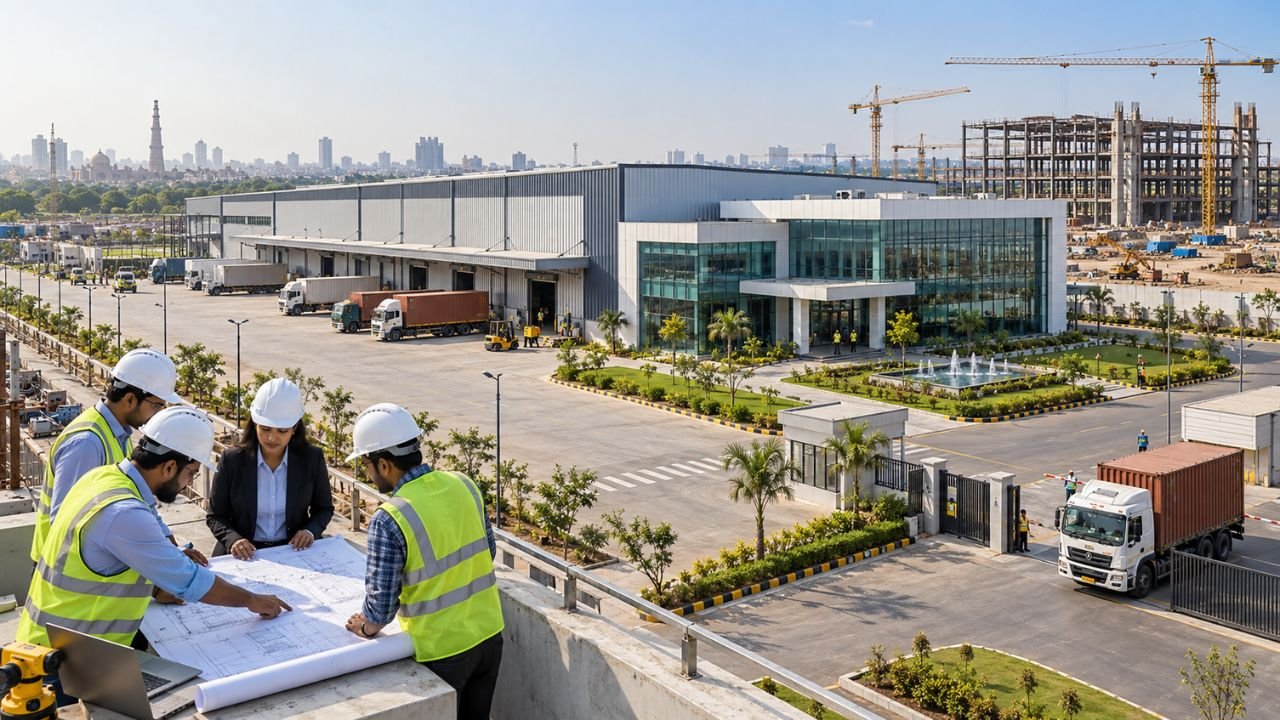
Imagine this: You have 15 years of technical experience, a skilled site team, and a reputation for solid construction work. You finally land a meeting for a lucrative residential project. But when the client asks for your price, you hand over a hand-written note or a messy, disorganized sheet filled with manual calculation errors. Suddenly, that trust you built starts to fade. In the competitive Indian construction market of 2026, your quotation is often the very first “employee” your client meets. If it looks unprofessional, you lose the project before you even step onto the site.
 Click Here to Purchase the Civil Work BOQ Template for ₹249
The problem is that many small contractors find the idea of creating a formal simple civil work quotation format in excel intimidating. They worry about complex formulas, GST compliance, and Indian measurement standards (IS 1200). However, having a professional, automated document isn’t just about “looking good”—it’s a financial blueprint that protects your profit margins from volatile material costs, like the rising prices of TMT steel and cement.
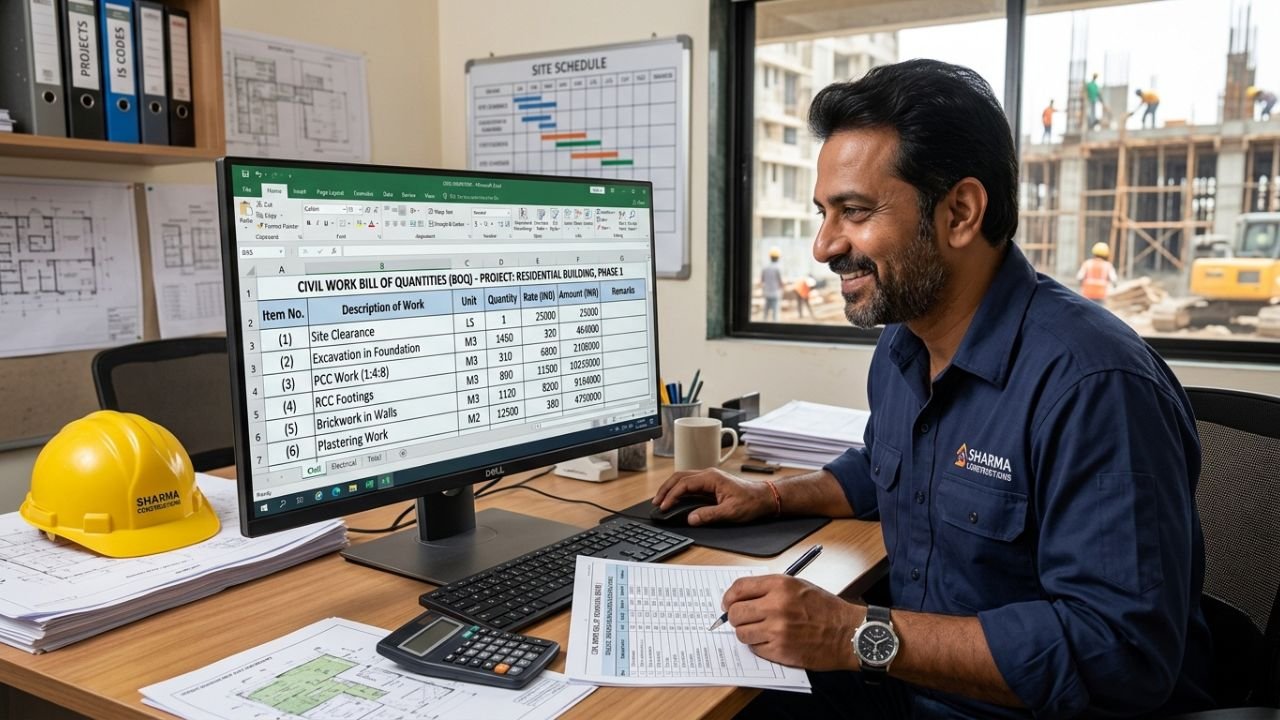
This guide is designed for you: the small contractor, the new civil engineer, or the site supervisor ready to start your own business. I will teach you, step-by-step, how to build a simple construction quotation format that wins clients and keeps your business profitable.
What is a Simple Civil Work Quotation Format?
At its heart, a civil work quotation is a structured, legally binding document that tells your client exactly what work you will do and at what price. It is the “price tag” of your construction project. In the Indian context, this document is more than just a list of costs; it is a clear agreement that prevents future disputes by defining exactly what is included (like M20 grade concrete) and what is excluded (like utility fees).
Using Excel for this task is the industry standard in India because it allows for formula-based automation. For example, if the price of bricks increases in your local market, a well-built Excel sheet can update your entire bid instantly, saving you from a financial disaster.
Click Here to Purchase the Civil Work BOQ Template for ₹249
Quotation vs BOQ vs Full Estimate – Simple Explanation
Beginners often get confused by these three terms. While they are related, they serve different purposes in your workflow:
- Detailed Estimate: This is your internal “math” sheet. You use architectural drawings to calculate exact dimensions (Length x Breadth x Height) to find out how much material you need.
- Bill of Quantities (BOQ): A standard BOQ of civil construction is a summary of that estimate. It lists the work descriptions and total quantities without showing every single dimension calculation.
- Quotation: This is the final commercial offer you give the client. It includes the BOQ but adds “business layers” like your profit margin, payment terms, GST, and how long the price is valid.
Essential Elements of a Simple Civil Work Quotation
To make your civil work quotation excel sheet professional, it must include these seven core sections:
- Professional Header: Your business name, logo, GSTIN, and contact details.
- Project Information: The client’s name, the site address, and the total built-up area.
- Document Control: A unique quotation number and a “Date of Issue” to keep your records organized.
- Itemized Work Breakdown: Clear columns for Item No., Description, Unit (e.g., Sq.m, Cu.m, Kg), Quantity, Rate, and Total Amount.
- Technical Specifications: Mentioning specific brands (like TATA Tiscon or UltraTech) to justify your rates and ensure quality.
- GST and Overheads: A separate row for 18% GST and your contractor profit (usually 10-15%).
- Terms and Conditions: When you expect payment (milestones) and what you won’t be doing (exclusions).
Click Here to Purchase the Civil Work BOQ Template for ₹249
Step-by-Step Guide: How to Create Simple Civil Work Quotation Format in Excel
Creating a basic civil quotation format doesn’t have to take 30 hours. Follow this simple workflow to build a robust system:
Step 1: Set Up the Architecture
Don’t cram everything onto one page. Use three tabs in your Excel file:
- Tab 1: Market Rates: List current prices for cement, steel, sand, and labor.
- Tab 2: Measurement Sheet: Do your basic length and width calculations here.
- Tab 3: Final Quotation: This is the clean sheet you print for the client.
Step 2: Use Measurement Standards
Always use IS 1200 standards. For example, if you are quoting for plastering, ensure you calculate the area in Sq.m and deduct for windows as per the code. Using standard units makes you look like a pro.
Step 3: Perform Simple Rate Analysis
Don’t guess your rates. For an item like RCC M20 concrete, calculate the cost of cement (approx. ₹510/bag in 2026), sand, aggregate, and labor. Add a 3% wastage allowance to protect your pocket.
Step 4: Automate with Formulas
- Use =Quantity * Rate for every line.
- Use Data Validation (Dropdown menus) for units like Cu.m and Sq.m to keep things neat.
- Link your “Final Quotation” rates to your “Market Rates” tab so that changing one number updates the whole quote.
Ready Sample Simple Civil Work Quotation Format
Here are three practical examples of how your tables should look in a civil work boq excel format using 2026 market rates.
Sample 1: Basic Earthwork & Foundation
| Item No. | Description of Work | Unit | Quantity | Rate (₹) | Amount (₹) |
|---|---|---|---|---|---|
| 1.1 | Site clearance (150mm depth) | Sq.m | 222.00 | 25.00 | 5,550 |
| 1.2 | Excavation in trenches (up to 1.5m) | Cu.m | 42.00 | 180.00 | 7,560 |
| 1.3 | Sand filling under floor (rammed) | Cu.m | 14.00 | 850.00 | 11,900 |
Sample 2: Concrete & Reinforcement Works
| Item No. | Description of Work | Unit | Quantity | Rate (₹) | Amount (₹) |
|---|---|---|---|---|---|
| 2.1 | PCC 1:4:8 under foundation | Cu.m | 4.50 | 5,800.00 | 26,100 |
| 2.2 | RCC M20 in roof slabs (incl. formwork) | Cu.m | 27.00 | 8,400.00 | 226,800 |
| 2.3 | Supply & fixing TMT Fe500 bars | Tonne | 2.80 | 82,000.00 | 229,600 |
Sample 3: Finishing & Renovation
| Item No. | Description of Work | Unit | Quantity | Rate (₹) | Amount (₹) |
|---|---|---|---|---|---|
| 3.1 | 12mm thick internal plaster (CM 1:4) | Sq.m | 380.00 | 240.00 | 91,200 |
| 3.2 | Premium Vitrified tiles (600x600mm) | Sq.m | 140.00 | 1,250.00 | 175,000 |
Best Practices for Simple & Effective Quotations
- Never Use “Lump Sum” (L.S.): Clients often feel cheated by hidden costs. Break everything down into measurable units for transparency.
- Specify Brand Names: In 2026, quality matters. Mentioning brands like Asian Paints or UltraTech justifies why your rate might be higher than a “cheap” competitor.
- Add a Validity Clause: Material prices in India (like steel) can change overnight. Always write: “This quotation is valid for 30 days only”.
- Include a Clear Summary: Don’t just show the sub-total. Show the 18% GST and the “Grand Total” in bold words.
Common Mistakes Beginners Make
- Vague Descriptions: Writing “Painting” instead of “Two coats of premium acrylic over primer” leads to arguments on-site.
- Ignoring Region Factors: Labor rates in Mumbai or Noida are different from rural Bihar. Adjust your rates based on your local market.
- Forgetting Wastage: If you don’t add 3-5% for material wastage, that cost comes directly out of your profit.
- Manual Math: One typing error in a manual sheet can cost you lakhs. Always use Excel formulas.
Recommended Tools & Templates
Building these sheets from scratch every time is a leading cause of “engineer burnout” and costly human errors. To save over 30 hours per project and ensure 100% mathematical accuracy, I highly recommend our Professional Civil Work Estimate & BOQ Template.
This is the exact system we use at Construction Estimator India to manage multi-crore projects. Even though it is powerful, it is designed to be a simple civil work quotation format in excel for beginners.
Key Features of the 2026 Template:
- One-Click Quotation: Enter measurements once, and the BOQ and Quotation update automatically.
- Market Rate Toggle: Switch between 2026 market rates and government DSR rates with one click.
- GST-Ready: Automatically calculates 18% GST and contingencies.
- Professional Layout: Pre-formatted sheets that look stunning when printed for clients.
You can get started today for just ₹99. Don’t leave your business success to chance—invest in a tool that protects your profits.
Download the Professional Civil Work Estimate & BOQ Template Today
Conclusion & Next Steps
A simple civil work quotation format in excel is more than just a list of prices—it is a shield that protects your business’s profitability. By following IS 1200 norms and using real-time 2026 rates, you ensure your bids are both competitive and safe.
Your Next Steps:
- Stop using manual notes; move all your estimations to an automated Excel system.
- Update your “Market Rate” library every month.
- Ensure every quote has a clear set of “Terms and Conditions”.
- Learn how to make BOQ for tender to scale your business.
Construction is a game of millimeters and rupees. Don’t let a poorly formatted quote be the reason you lose your next big project.