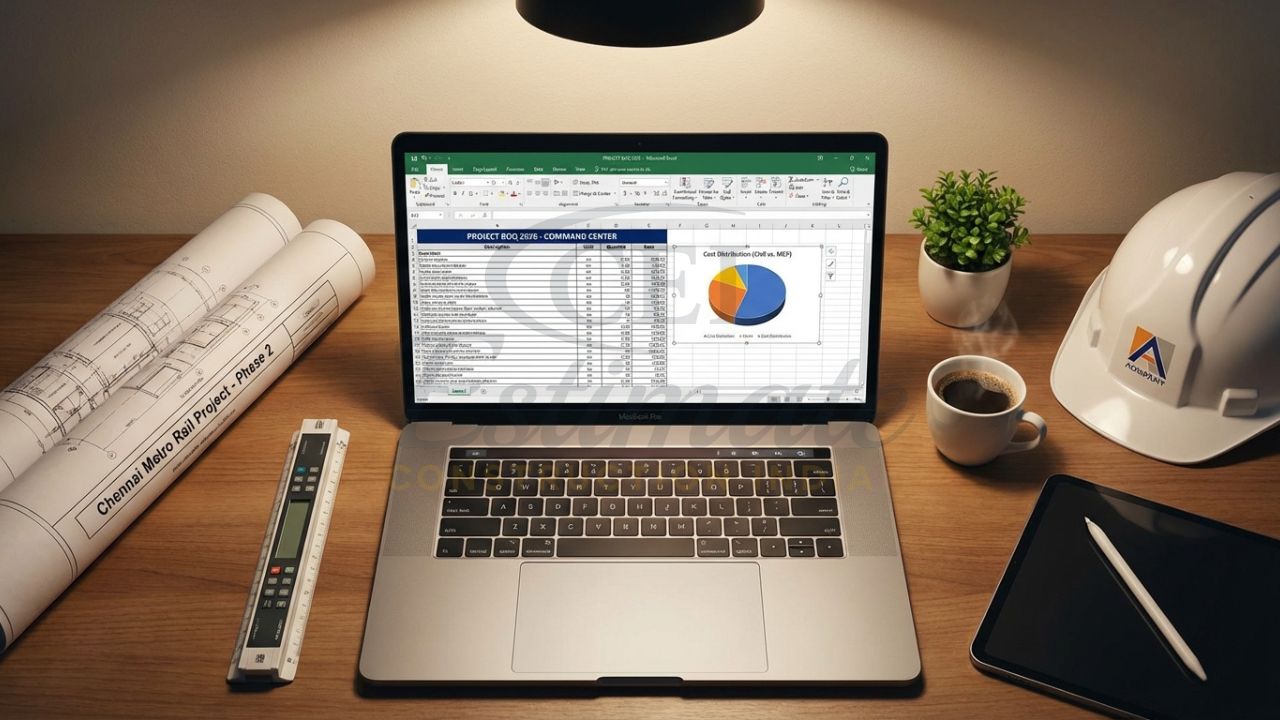
In the competitive Indian construction market of 2026, a well-prepared BOQ format in Excel for construction is the difference between winning a tender and losing money on execution. Whether you are bidding on GeM/CPPP portals, preparing estimates for a 2000 sq ft house in Agra, or handling a multi-storey project in Delhi NCR, the Bill of Quantities (BOQ) is the single document that lists every item, quantity, unit, rate, and amount.
Contractors and quantity surveyors love Excel because it offers automatic calculations, easy updates when drawings change, and professional formatting for tender submission. A good BOQ Excel format India 2026 saves hours of manual work, reduces errors, and helps you quote competitively while protecting your margin amid rising steel, cement, and labour costs.
This guide shows you the standard structure, essential columns, ready-to-use formulas, and a complete residential sample BOQ for a 2000 sq ft house. You will also learn how to create one from scratch and avoid common mistakes that lead to disputes or rejected payments.
For those new to the bidding process, understanding what is a tender in construction is vital, as the BOQ serves as the primary financial heart of your submission.
What is a BOQ and Why Use Excel Format in Construction 2026?
A Bill of Quantities (BOQ) is a detailed schedule prepared from drawings and specifications. It breaks the entire project into measurable items with quantities, units, and rates. In 2026, government and private clients demand BOQs in Excel because:
- Auto-calculation formulas instantly update totals when quantities or rates change
- Easy sharing via email or tender portals
- Compliance with IS 1200 measurement rules and DSR/PWD rates
- Separate tabs for civil, electrical, plumbing, and MEP
- Professional look with conditional formatting and summary sheets
For residential projects in Uttar Pradesh or any state, a BOQ Excel format helps contractors prepare accurate bids, control costs during execution, and settle final bills without arguments.
While the BOQ deals with itemized costs, it is often a critical component of a larger DPR in construction (Detailed Project Report), which provides the comprehensive technical and financial roadmap for the entire project.
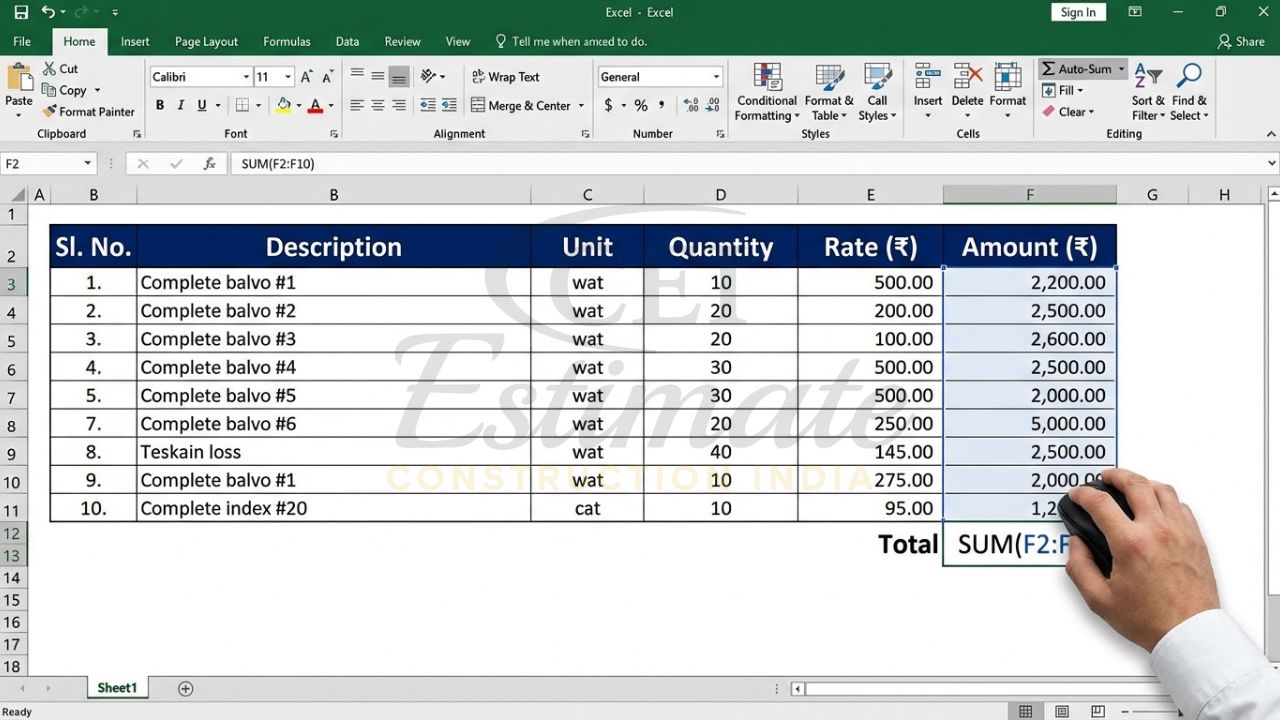
Standard BOQ Format in Excel – Essential Columns & Structure
A professional BOQ format in Excel follows a specific column structure. To ensure your descriptions are technically sound, it helps to be familiar with basic civil engineering terms explained in Indian standards.
| Column | Header | Purpose | Example |
| A | Sl. No. / Item Code | Sequential numbering | 1.1 or A-01 |
| B | Description | Full detailed description per IS specs | Excavation in ordinary soil |
| C | Unit | As per IS 1200 (Cum, Sqm, Kg, Nos, etc.) | Cum |
| D | Quantity | Measured from drawings | 185.50 |
| E | Rate (₹) | Current market / DSR rate | 380.00 |
| F | Amount (₹) | =D*E (auto formula) | 70,490 |
| G | Remarks / Notes | Specifications, brand, or special notes | Include 5% wastage |
Hierarchy of sections (standard practice):
- Preliminaries & Site Establishment
- Earthwork & Excavation
- Concrete & RCC Works
- Masonry & Brickwork
- Finishing (Plaster, Painting, Flooring)
- Doors & Windows
- MEP (Electrical, Plumbing, Sanitary)
- Miscellaneous & Contingencies
Add a separate “Summary” sheet with grand total and GST breakup.
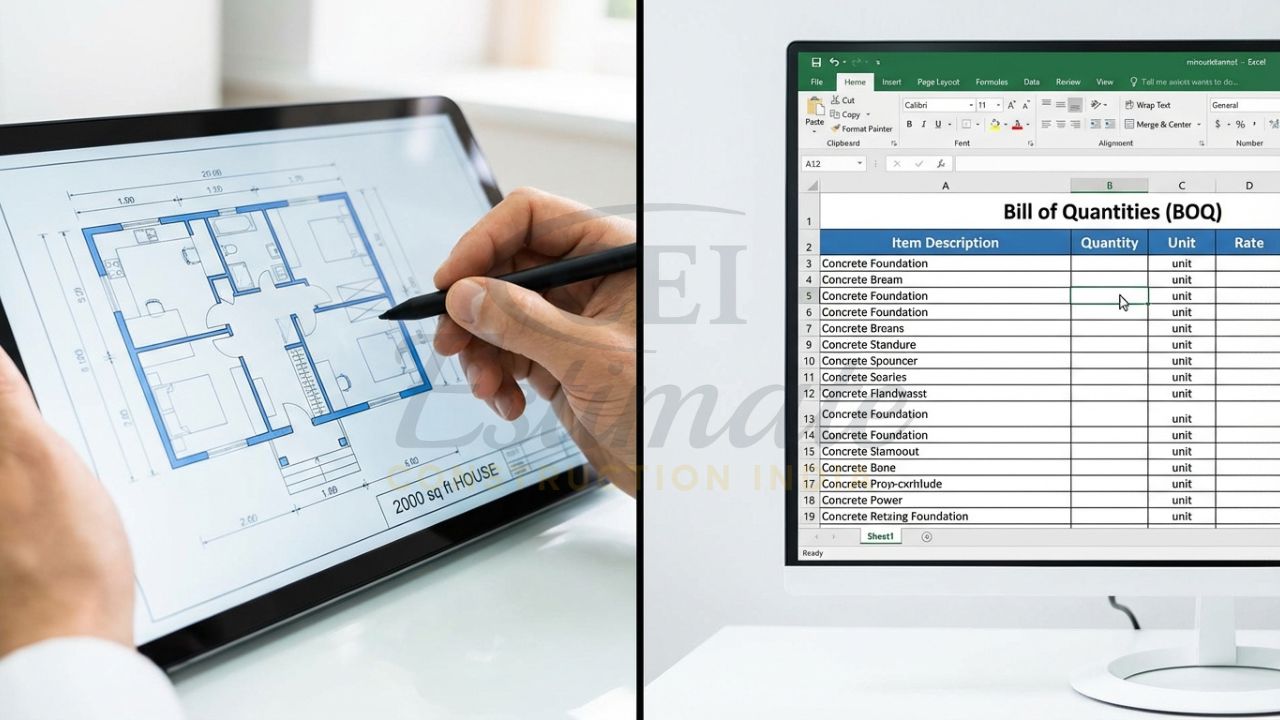
Step-by-Step: How to Create BOQ Format in Excel from Scratch
Follow these simple steps in Microsoft Excel (works in Google Sheets too):
- Open a new workbook and name the sheet “Civil BOQ”.
- Row 1: Type bold headers – Sl. No., Description, Unit, Qty, Rate (₹), Amount (₹), Remarks.
- Freeze top row (View → Freeze Panes).
- Format columns: Column C (Unit) – text; Column D & E – number with 2 decimals; Column F – currency.
- In cell F2 enter formula =D2*E2 and drag down.
- At the bottom of each section, use =SUM(F2:F50) for section total.
- Add a “Grand Total” row with =SUM(F:F).
- Use Data Validation in Unit column (list: Cum, Sqm, Kg, Nos, Rmt, etc.).
- Apply conditional formatting: highlight rates above ₹10,000 in red.
- Protect the sheet (Review → Protect Sheet) so only Quantity and Rate cells can be edited.
- Create separate tabs for Electrical BOQ, Plumbing BOQ, and Summary.
For Indian projects, always add a hidden “Rate Library” tab with latest DSR/PWD rates for 2026.
Sample BOQ Excel Format for Residential Construction (2000 Sq Ft House)
Here is a realistic BOQ format in Excel sample for a standard 2000 sq ft 3BHK house in Agra/UP (March 2026 rates). Copy this table into Excel and add the formulas.
Section: Earthwork
- Excavation in ordinary soil up to 1.5 m depth | Cum | 185 | 420 | 77,700
- Backfilling with excavated earth | Cum | 120 | 180 | 21,600
Section: Concrete Works
- Plain Cement Concrete (PCC) 1:4:8 | Cum | 28 | 6,200 | 1,73,600
- RCC M25 for footings, columns, beams, slab (with 1% steel) | Cum | 95 | 7,800 | 7,41,000
Section: Masonry
- 230 mm thick brickwork in 1:6 cement mortar | Sqm | 420 | 850 | 3,57,000
Section: Finishing
- Internal plaster 12 mm thick | Sqm | 850 | 280 | 2,38,000
- Flooring – vitrified tiles 600×600 mm | Sqm | 180 | 1,150 | 2,07,000
MEP Items (partial)
- Concealed copper wiring (1.5/2.5/4 mm²) | Rmt | 1,850 | 85 | 1,57,250
Grand Total (Civil + MEP approx.): ₹42,50,000 (before GST & contingency)
In actual Excel, the Amount column auto-calculates and the summary sheet shows the final figure instantly.
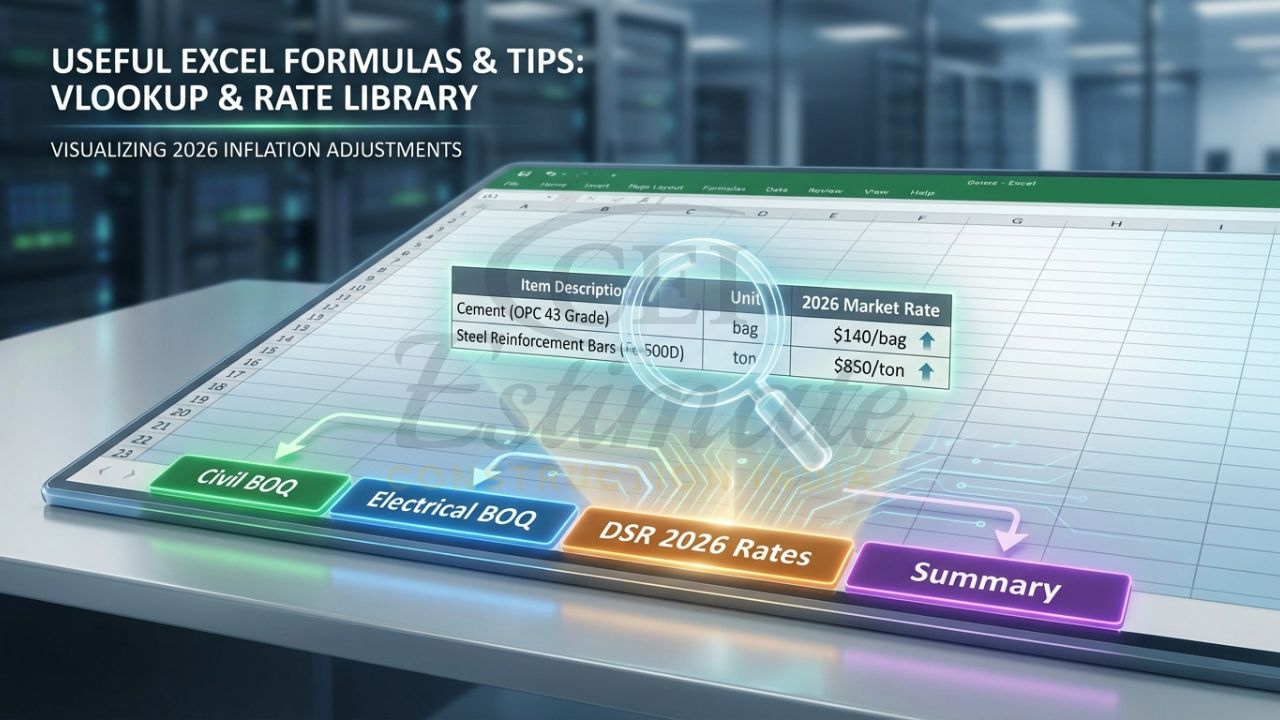
Useful Excel Formulas & Tips for BOQ in Construction
Make your BOQ Excel auto calculation formula powerful with these:
- Amount: =D2*E2 (drag down)
- Section Total: =SUM(F2:F50)
- Grand Total: =SUM(F:F)
- Rate lookup from DSR sheet: =VLOOKUP(B2, RateLibrary!A:B, 2, FALSE)
- Contingency (5%): =F100*1.05
- Filtered view total: Use SUBTOTAL(9, F2:F100)
- Pivot Table for quick analysis by section or trade
Add a “Rate History” column to track monthly changes in 2026.
Common Mistakes to Avoid in BOQ Excel Format
- Wrong units (using “Sq ft” instead of “Sqm” as per IS 1200)
- Missing items or incomplete descriptions
- No wastage factor (add 5–10% in quantity)
- Outdated rates (always update for 2026 inflation)
- No separate tabs for MEP works
- Manual addition instead of formulas
- No version control (save as BOQ_v1_2026.xlsx)
- Ignoring contingencies for labour shortages
- Poor formatting (no borders or freeze panes)
- Forgetting GST and rounding rules
Free/Advanced BOQ Excel Templates & Customization Tips
Start with a basic template and customise:
- Add a “DSR 2026” tab with PWD rates for your state
- Include EV charging and solar-ready items for modern homes
- Add dropdowns for units and conditional formatting for high-value items
- Protect all sheets except Quantity and Rate columns
Many contractors in Agra and UP use this format successfully for both private houses and government tenders.
Conclusion
A professional BOQ format in Excel for construction is the backbone of accurate bidding and smooth project execution in 2026. With the right columns, auto-calculation formulas, and IS 1200-compliant units, you can prepare error-free BOQs in minutes instead of days. Whether you are a contractor bidding on residential projects or a QS handling multiple sites, mastering this format helps you win more tenders, control costs, and avoid payment disputes.
Start creating your own template today using the steps and sample above. For complex projects or when you need a fully customised BOQ with current 2026 market rates, professional help ensures accuracy and saves valuable time.
Ready to get an accurate, customised construction estimate for your project in 2026?
At Construction Estimator India our professional estimating team delivers detailed BOQ and cost reports in just 48 hours.
Construction cost estimation services start at just ₹10,000 INR only.
Contact us today:
📞 Phone / WhatsApp: +91 86306 76890
✉️ Email: info@constructionestimatorindia.com
Don’t overpay or underbid — get your precise 2026 construction cost per sq ft estimate now and win more projects with confidence!
Frequently Asked Questions (FAQs) on BOQ Format in Excel for Construction
What are the standard columns in a BOQ format in Excel for Indian construction projects?
Standard columns in BOQ format in Excel are: Sl. No., Description, Unit, Quantity, Rate (₹), Amount (₹), and Remarks. These columns follow IS 1200 measurement rules and DSR/PWD formats used across India. The Amount column uses the simple formula =Qty*Rate for automatic calculation. This structure is perfect for residential, commercial, and civil projects in 2026.
How do I add auto-calculation formulas in BOQ Excel for residential house construction?
In your BOQ Excel format, type =D2*E2 in the Amount column (assuming Quantity is in D and Rate in E). Drag the formula down. Use =SUM at the bottom of each section and grand total row. Add data validation for units and conditional formatting to highlight high rates. This auto-calculation saves hours and prevents manual errors in residential BOQ preparation.
What units should I use in BOQ Excel as per IS 1200 for civil works in India 2026?
IS 1200 specifies: Cum for excavation, concrete, and backfill; Sqm for plaster, brickwork, and flooring; Kg for steel reinforcement; Rmt for pipes and conduits; Nos for doors, windows, and fixtures. Always use these exact units in your BOQ Excel format to avoid measurement disputes during billing.
Can I download a free BOQ Excel template for a 2000 sq ft house in India?
Yes — many contractors share basic residential templates. You can start with the sample shown in this article and customise it for a 2000 sq ft house. Add your own rates and quantities. For a ready-to-use, professionally formatted BOQ Excel format India 2026 with auto formulas and DSR integration, professional services provide customised versions.
How does a proper BOQ Excel format help contractors win more tenders in 2026?
A clear, well-formatted BOQ Excel format with accurate quantities, IS 1200 units, and auto totals shows professionalism to clients and government departments. It helps you quote competitively, justify rates during negotiations, and avoid disputes later. Contractors using proper Excel BOQs report 20–30% higher success rate in GeM/CPPP tenders and better profit margins.